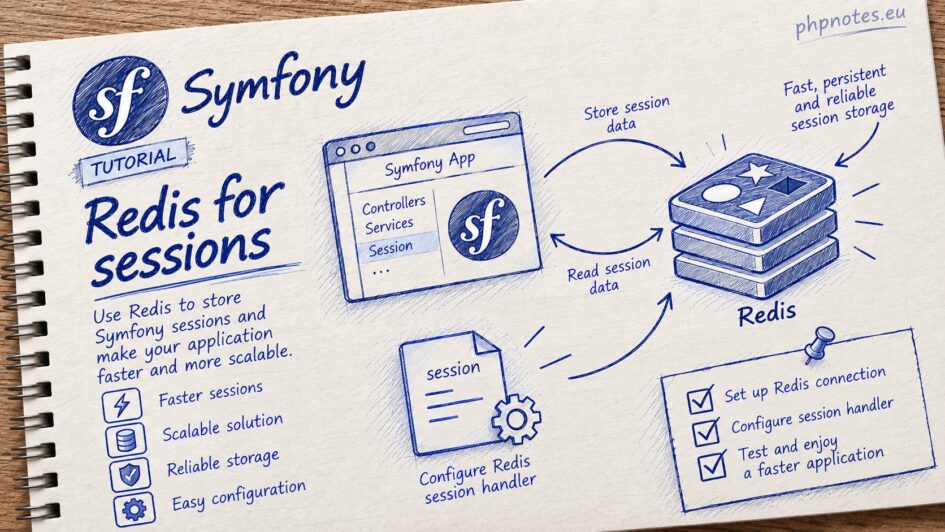
Redis configuration for Symfony.
This is the recommended way to handle sessions in Azure.
If using Docker, we can add Redis to the configuration.
docker-compose.yml
services:

    redis:
        container_name: my-app-redis
        image: redis:7
        ports:
- 6379:6379We will use the predis package:
composer require “predis/predis”
Let’s add the configuration for Redis.
.env
###> redis ###
REDIS_HOST=redis
REDIS_PORT=6379
REDIS_PASSWORD=""
###< redis ###config/services.yaml
    Symfony\Component\HttpFoundation\Session\Storage\Handler\RedisSessionHandler:
        arguments:
            - '@Redis'
            # you can optionally pass an array of options. The only options are 'prefix' and 'ttl',
            # which define the prefix to use for the keys to avoid collision on the Redis server
            # and the expiration time for any given entry (in seconds), defaults are 'sf_s' and null:
            # - { 'prefix': 'my_prefix', 'ttl': 600 }


    Redis:
        class: Predis\Client
        arguments:
- { host: '%env(REDIS_HOST)%', port: '%env(int:REDIS_PORT)%', password: '%env(REDIS_PASSWORD)%' }Replace the session key with the new configuration.
config/packages/framework.yaml
framework:
    …

    # Note that the session will be started ONLY if you read or write from it.
    session:
        handler_id: Symfony\Component\HttpFoundation\Session\Storage\Handler\RedisSessionHandler
        cookie_secure: auto
cookie_samesite: laxTo inspect the data stored in Redis, you can run the following command:
docker exec -it my-app-redis redis-cli keys ‘*’


Leave a Reply